
Home IT support
Virus and malware removal
Pop-ups that won't go away, a computer that has suddenly slowed down, or a browser that keeps taking you to strange sites can all mean something unwanted is on your computer.
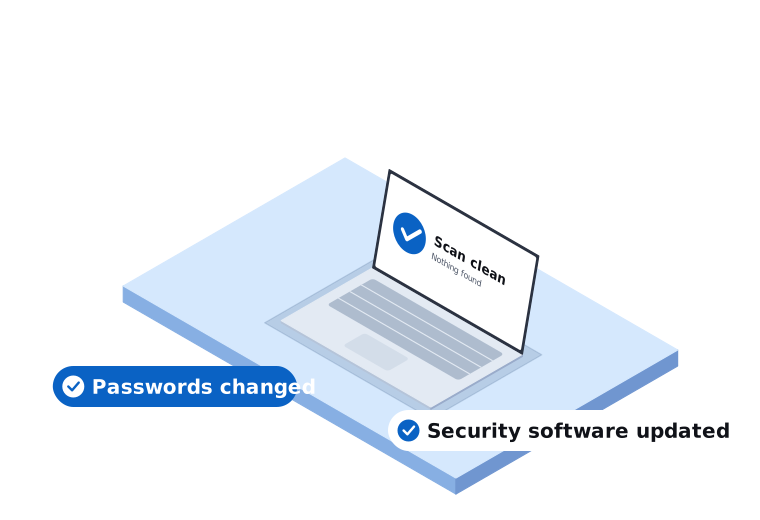
Get your computer back to normal
We remove it, check your accounts, and work out how it got in so it doesn't happen again.
Anyone whose computer is acting strangely, has been flagged by security software, or may have been touched by a scammer.
What's included
- Scanning for viruses, malware and unwanted programs
- Removing what we find and repairing the damage
- Removing pop-ups and browser hijackers
- Checking for remote access programs left by scammers
- Installing security software and updates
- Helping you change important passwords
- Showing you how to spot the warning signs next time
We come on-site across our service areas in Melbourne's south east and West Gippsland, from our Narre Warren base.
What you get
A clean computer
We remove the problem and repair what it damaged.
Safer accounts
We help you change important passwords and check nothing was left behind.
Less chance of a repeat
We work out how it got in and show you what to watch for.
How we approach it
We listen first
We ask what you noticed and what happened just before, because that often shows how it got in.
We explain what we find
We tell you what we found and whether any of your accounts could be at risk.
We keep it to what you need
We won't sell you security products you don't need. Often the built-in protection is enough when it's kept up to date.
Common questions about viruses and malware
Something else on your mind? Call 03 9970 9107.
How do I know if my computer has a virus?
Common signs are sudden slowness, pop-ups, programs you didn't install, and new toolbars or home pages. A warning that tells you to call a phone number is almost always a scam.
A pop-up says my computer is infected. Should I call the number?
No. Real security software doesn't ask you to call a number. Close the browser, and if it won't close, shut the computer down and call us.
Can Macs get viruses?
Yes. It's less common, but Macs can get malware and unwanted programs too, and we can check them.
Should I keep using the computer?
Avoid banking and email on it until it has been checked. If you think someone has remote access, turn off the Wi-Fi or unplug the network cable.
Get your computer checked
Tell us what's going on. We'll explain your options in plain English.