
IT services
Remote access and VPN for your team
If your staff need to reach work systems from home or on the road, that connection has to be secure. Remote access left open to the internet is a common way into a business.
Safe access to work from anywhere
We set up access that's safe and easy to use, so people can get on with their work.
Businesses with staff working from home, owners who need to check systems after hours, and sites that need to connect to each other.
What's included
- Working out who needs access to which systems
- Setting up a VPN on your firewall or network
- Requiring multi-factor authentication for remote access
- Setting up staff laptops and home computers to connect
- Connecting a second office or site
- Closing insecure remote access that's already in place
- Removing access when staff leave
We come on-site across our service areas in Melbourne's south east and West Gippsland, from our Narre Warren base.
Why it's worth doing properly
Secure by default
Multi-factor sign-in and a VPN keep remote access off the open internet.
Simple for staff
People connect the same way every time, without a long list of steps.
Easy to switch off
When someone leaves, their access goes with them.
How we approach it
We learn how you work
We find out what people need to reach from outside the office. Sometimes that's one system, not the whole network.
We explain your options
We explain the options, including whether a VPN is needed at all or a cloud service would be simpler.
We fit it to your budget
We use what your network equipment can already do wherever we can.
Related services
Common questions about remote access and VPNs
Something else on your mind? Call 03 9970 9107.
What does a VPN do?
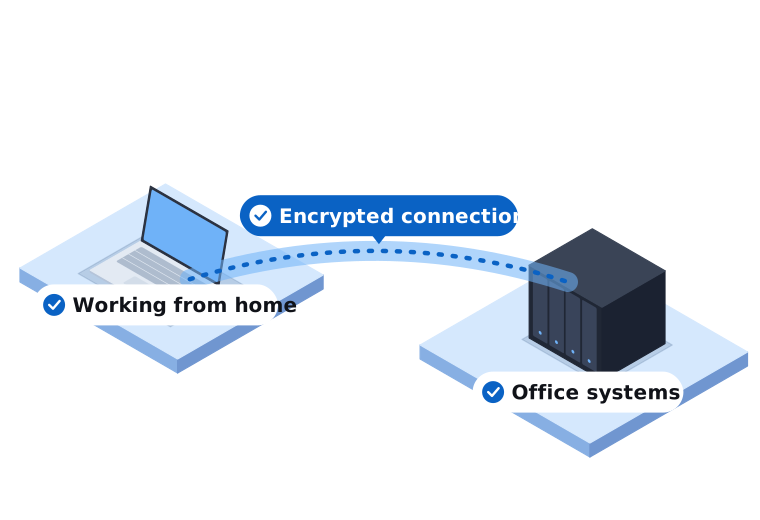
A VPN creates an encrypted connection between a computer and your business network. It lets staff use work systems from elsewhere as if they were in the office.
Is Remote Desktop safe to use over the internet?
Not when it's left open directly to the internet, because attackers scan for it constantly. It should sit behind a VPN with multi-factor authentication.
Can staff use their home computers?
They can, but work laptops are easier to keep secure. We'll talk through the options and set up what suits your business.
Give your team safe access
Book a free, no-obligation IT review and we'll recommend the right next step for your business.