
Home IT support
Printer and device setup at home
Printers have a talent for going offline when you need them most, and new devices rarely connect as easily as the box suggests.
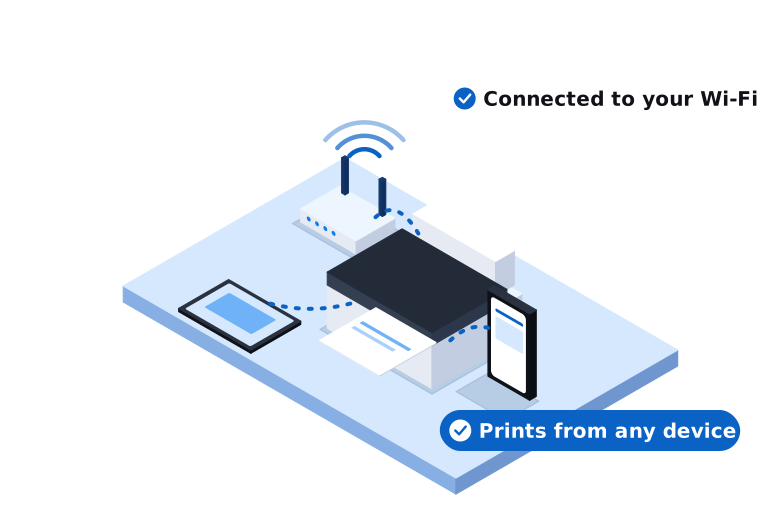
Everything connected and working
We'll come to you, get everything connected, and show you how it works.
Households with a printer that won't print, a new phone or tablet to set up, or a smart TV that won't connect.
What's included
- Setting up new printers and scanners
- Connecting printers to your Wi-Fi
- Getting printing working from phones, tablets and laptops
- Fixing printers that show as offline
- Setting up new phones and tablets
- Moving photos and contacts to a new device
- Connecting smart TVs and streaming devices
- Setting up email on your devices
We come on-site across our service areas in Melbourne's south east and West Gippsland, from our Narre Warren base.
What you get
Printing from any device
Print from your phone, tablet or laptop over Wi-Fi.
Devices that stay connected
We fix the cause, so your printer stops dropping offline.
Steps you can keep
We show you how it works and leave you with the steps.
How we approach it
We listen first
We find out what you want to do with the device and what you have at home already.
We explain what we find
We show you how it works, slowly, and leave you with the steps if you need them again.
We keep it to what you need
If your printer is at the end of its life, we'll tell you, and help you pick one with sensible running costs.
Related services
Common questions about printers and devices
Something else on your mind? Call 03 9970 9107.
Why does my printer keep going offline?
It's usually a Wi-Fi connection problem, or the printer has dropped off the network after a router change. We can fix it and make the connection more reliable.
Can I print from my phone?
Most newer printers can do this over Wi-Fi. We can set it up and show you how.
Which printer should I buy?
It depends on how much you print. A cheap printer can cost more over time because of its ink. Tell us how you use it and we'll suggest what to look for.
Get your devices working
Tell us what's going on. We'll explain your options in plain English.