
Business IT
Microsoft 365 or Google Workspace: which suits your small business?
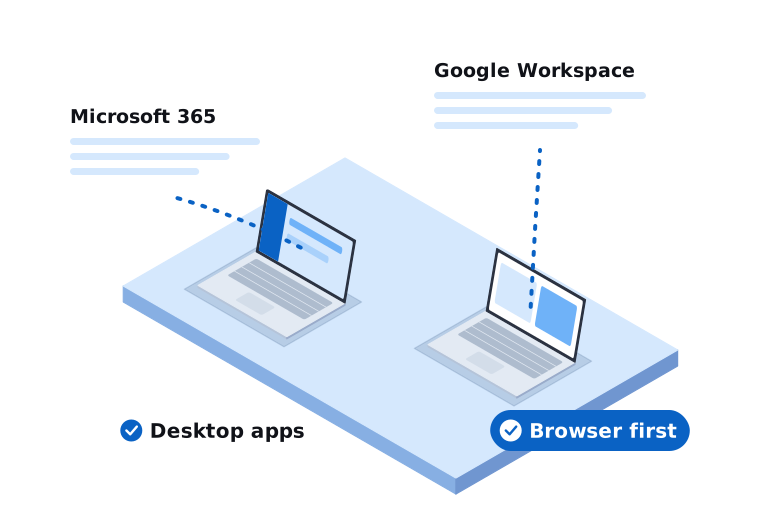
We support businesses on both Microsoft 365 and Google Workspace, so we don’t have a horse in this race. Both are good. Both will give you professional email on your own domain, shared calendars, file storage and video calls. The right choice depends on how your business works.
Where Microsoft 365 tends to fit better
You live in Excel, Word or Outlook. If your team relies on complex spreadsheets, macros, mail merges or heavily formatted documents, the desktop Office apps are still the most capable. Google’s apps open Office files, but advanced features don’t always carry across cleanly.
Your industry software expects it. A lot of accounting, legal, medical and trade software integrates with Outlook and Excel. Check what your key software supports before you decide.
You want to manage and secure company devices. Microsoft 365 Business Premium includes Intune for managing laptops and phones, and Defender for Business for endpoint security. For a small business that wants proper control over its computers without buying separate tools, that’s a strong package.
You’re already on Windows. Signing into Windows with a Microsoft 365 account ties the computer, the user and the security settings together neatly.
The main Microsoft 365 plans for small business are Business Basic (web and mobile apps only), Business Standard (adds the desktop Office apps) and Business Premium (adds device management and stronger security).
Where Google Workspace tends to fit better
Your team works mostly in the browser. Google Docs, Sheets and Drive were built for the web and for working on the same file at the same time. Sharing and collaboration feel simple.
You want something easy to run. The admin console is straightforward and there’s less to configure. For a small team without complex needs, that simplicity is a real benefit.
You use Chromebooks or a mix of devices. Workspace doesn’t care much what device people are on.
Gmail suits how you work. Some people simply prefer Gmail’s search and labels to Outlook’s folders. It sounds minor, but it’s the tool people spend most of their day in.
The main Google Workspace plans for small business are Business Starter, Business Standard and Business Plus, with storage and features increasing at each level.
Things that matter either way
Security settings. Neither platform is secure out of the box in the way most businesses assume. Turn on multi-factor authentication for everyone, set up email authentication (SPF, DKIM and DMARC) for your domain, and review sharing settings so files aren’t being shared publicly by accident.
Backups. Both platforms keep your data available, but neither is designed to be your backup. Deleted files, removed accounts and ransomware can all cause data loss. We recommend a separate backup for either platform. We’ve written more about that in our small business backup guide.
Licensing. Buying through a licensing partner rather than directly can make billing simpler and give you local support. Check the commitment terms on whichever plan you choose, because annual and monthly options can be priced differently and have different cancellation rules.
Switching from one to the other
It’s possible to move in either direction. Email, calendars, contacts and files can all be migrated. The parts that take more care are shared mailboxes, shared calendars, file permissions, and anything connected to the old system, like scanners that email documents or software that sends through your mail server.
Plan it, test it with one or two users first, and pick a quiet time for the cut-over. Done well, staff come in on Monday and their email just works.
Still not sure?
If you’re setting up a new business, moving from an old email provider, or wondering whether you’re on the right platform, we’re happy to talk it through. We’ll ask how your team works and what software you rely on, then give you a straight recommendation that fits your needs and budget.
Call us on 03 9970 9107 or get in touch.
Need a hand with this?
Tell us what's going on. We'll explain your options in plain English.