
Home and Business IT
Still on Windows 10? Your free security updates now run to October 2027
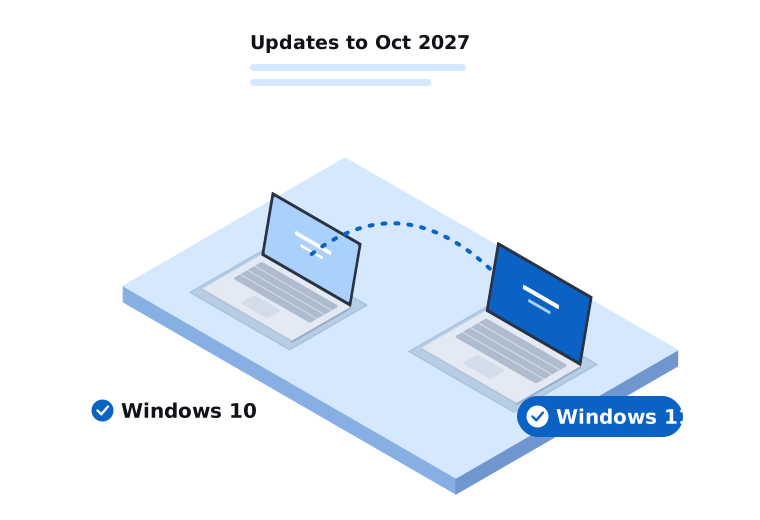
Windows 10 officially reached end of support on 14 October 2025. Microsoft then offered home users a free extra year of security updates through its Extended Security Updates (ESU) program, which was due to finish on 13 October 2026.
In June 2026 Microsoft extended that program by another year. If your Windows 10 computer is enrolled in consumer ESU, it will keep getting security updates until 12 October 2027.
That’s good news if you weren’t ready to replace your computer. It isn’t a reason to forget about it, though. It moves the deadline. It doesn’t remove it.
What ESU actually gives you
ESU covers critical and important security fixes. It doesn’t include new features, and Microsoft doesn’t provide general technical support for Windows 10 under the program.
So your computer will keep working as it does today and stay patched against new security holes. But over time, more software and devices will stop supporting Windows 10. Banks, browsers and printer makers tend to move on once an operating system is past its use-by date.
How to check if you’re enrolled
On your Windows 10 computer, open Settings, then Update & Security, then Windows Update. If you’re eligible but not yet enrolled, you’ll usually see an option to enrol in Extended Security Updates.
Microsoft’s requirements for home users have included being on Windows 10 version 22H2 and signing in with a Microsoft account. The rules have changed a few times, so check Microsoft’s current ESU page or ask us if the option doesn’t appear.
What about businesses?
The free extension is for home users. Businesses running Windows 10 Pro or Enterprise in a work setting have a separate, paid commercial ESU option, priced per device and going up each year.
For most small businesses we work with, paying for ESU across several computers makes less sense than spending that money on moving to Windows 11. The exception is a machine that runs one piece of older software that won’t work on Windows 11. In that case ESU can buy you time while you sort out a replacement.
Can my computer run Windows 11?
Windows 11 has stricter hardware requirements than Windows 10. The main ones are a supported processor (roughly Intel 8th generation or AMD Ryzen 2000 series and newer), TPM 2.0 security chip, Secure Boot, at least 4 GB of RAM and 64 GB of storage.
To check, open the PC Health Check app from Microsoft. It will tell you whether your computer qualifies and, if not, why.
Some computers fail the check only because TPM or Secure Boot is switched off in the settings. That’s often a quick fix. Others genuinely don’t meet the requirements, and those are the ones to plan a replacement for.
Your options
If your computer can run Windows 11: upgrade. It’s free, and Windows Update will usually offer it. Back up your files first, just in case.
If your computer can’t run Windows 11 and it’s still doing the job: enrol in ESU, keep using it, and plan to replace it before October 2027. That gives you time to budget and to pick the right replacement rather than rushing.
If your computer is slow, unreliable or getting old anyway: this is a good time to replace it. A new computer will come with Windows 11 already installed.
We’d steer people away from trying to force Windows 11 onto unsupported hardware using workarounds found online. It can be done, but Microsoft doesn’t guarantee updates for those machines, and you can end up in the same position again later.
Moving to a new computer
The part most people worry about is getting everything across: documents, photos, email, browser bookmarks, saved passwords and printers. It’s also where things most often get missed.
When we set up a new computer, we transfer your files and settings, set up email and printers, install the software you use, and check that your backups are working on the new machine. You can drop it off at our Narre Warren office, or we can come to you.
Talk to us
If you’re not sure where your computers stand, call us on 03 9970 9107. For businesses, we can check every machine and give you a clear list of which ones can upgrade and which need replacing, so you can plan and budget before October 2027.
Need a hand with this?
Tell us what's going on. We'll explain your options in plain English.