
Home IT
Why is my home Wi-Fi slow? A practical guide for NBN households
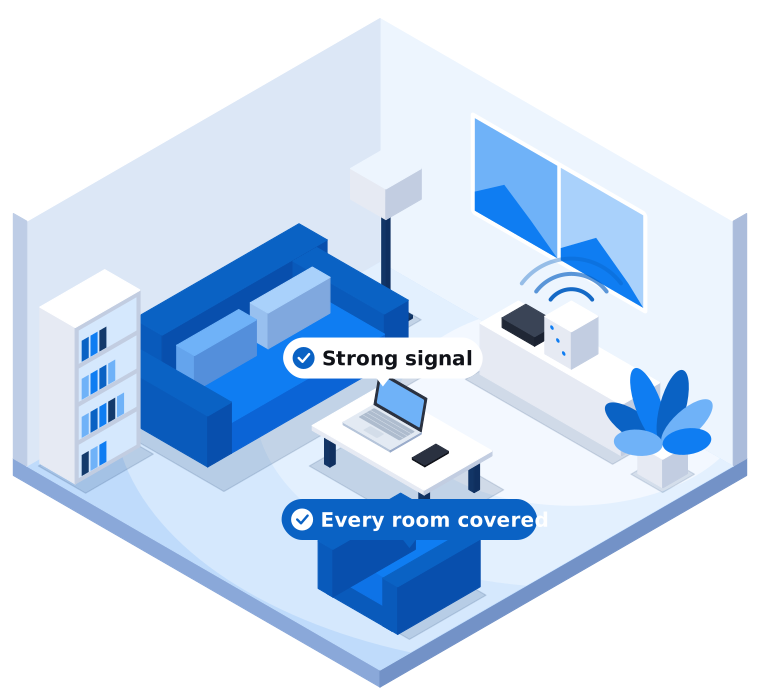
“The internet is slow” is one of the most common calls we get. Often the NBN connection coming into the house is fine. The real problem is the Wi-Fi carrying it from the modem to the rest of the home.
Working out which one it is saves a lot of time, and sometimes saves you from paying for a faster plan that won’t fix anything.
Step 1: Test next to the modem
Take a phone or laptop and stand right next to your modem or router. Run a speed test (your provider will have one, or use a well-known speed test site).
Then do the same test from the room where things feel slow.
- Slow next to the modem as well? The problem is probably your NBN connection, your plan, or the modem itself. Restart the modem first. If it’s still slow, contact your internet provider.
- Fast next to the modem but slow in other rooms? The problem is Wi-Fi coverage. Keep reading.
If you can, also test with a laptop plugged directly into the modem with a network cable. That’s the most accurate picture of what the NBN is delivering.
Step 2: Check what plan you’re on
NBN plans are sold by speed tier, and the number on the plan is a typical evening speed, not a guarantee. If you’re on a basic plan and four people are streaming, gaming and on video calls at once, it will feel slow no matter how good your Wi-Fi is.
Your bill or your provider’s app will show your plan speed. Compare that with the speed test you ran next to the modem.
Step 3: Look at where the modem is
Wi-Fi signals get weaker through walls, floors, mirrors, fridges and water (including fish tanks). Modems often end up wherever the NBN connection box was installed, which tends to be a garage, a front corner of the house, or inside a cupboard.
Some quick things to try:
- Move the modem out of cupboards and off the floor
- Keep it away from microwaves, cordless phone bases and large metal objects
- If it has adjustable antennas, point some up and some sideways
In double storey homes and long single storey homes, a single modem at one end often can’t reach the far rooms well. That’s very common in newer estates, where the NBN box is usually in the garage.
Step 4: Check how old your modem is
The modem your provider sent you years ago may not be up to the job now. Older models don’t support the newer Wi-Fi standards, struggle with lots of connected devices, and sometimes stop getting security updates.
If your modem is more than five or six years old, replacing it, or adding a separate Wi-Fi system and using the modem only for the NBN connection, can make a real difference.
Step 5: Consider mesh Wi-Fi
Mesh Wi-Fi uses two or more units placed around the home that work together as one network. Your devices connect to whichever unit is closest, and you keep the same network name everywhere.
It’s usually a better answer than plug-in range extenders, which often create a second network and halve the speed.
For the best results, the mesh units should be connected to each other with network cable where possible. If that’s not practical, placing them carefully (not too far apart, with clear lines between them) still works well in most homes.
A few other things worth checking
- 2.4 GHz and 5 GHz. Most modems broadcast both. 5 GHz is faster but doesn’t travel as far through walls. 2.4 GHz reaches further but is slower and more crowded. Many modems handle this automatically, but older ones sometimes need adjusting.
- Too many devices. Smart TVs, cameras, doorbells, speakers and game consoles all add up. Some of them use a lot of bandwidth in the background.
- Something on the network is misbehaving. A computer downloading large updates or a cloud backup running all evening can slow everyone else down.
- Security. If your Wi-Fi password hasn’t changed since the day it was installed, or it’s printed on a sticker that visitors can see, it’s worth changing.
When to get help
If you’ve tried the basics and it’s still slow, or you’d rather someone just sorted it out, we can help. We’ll test your connection, work out where the bottleneck is, and recommend what will actually fix it. Sometimes that’s moving the modem. Sometimes it’s a mesh system or a cabled access point. We won’t recommend new equipment if a free fix will do.
We look after homes across Narre Warren, Berwick, Clyde North, Cranbourne, Pakenham and the rest of Melbourne’s south east. Call us on 03 9970 9107 or send us a message.
Need a hand with this?
Tell us what's going on. We'll explain your options in plain English.