
Business IT
The Essential Eight for small business: where to start
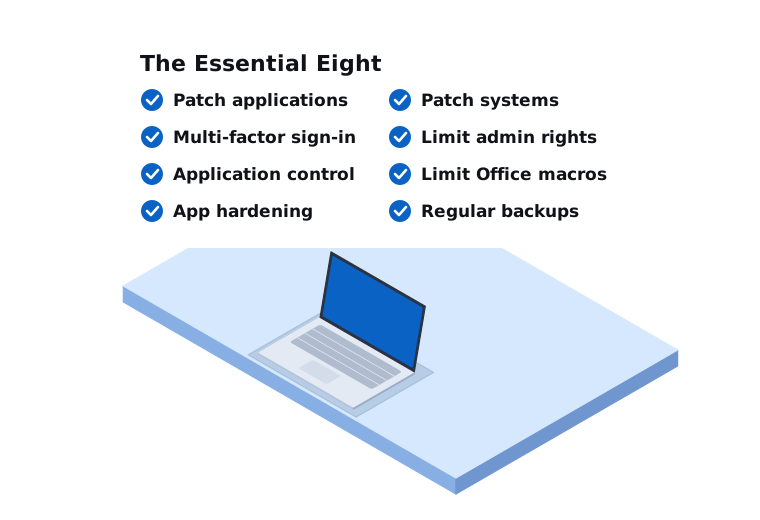
The Essential Eight is a set of eight security strategies published by the Australian Signals Directorate (ASD). It’s the government’s baseline advice for protecting computers and networks connected to the internet. Federal government agencies are required to follow it. For most private businesses it’s not mandatory, but it’s the most useful Australian checklist we know of, and insurers and larger clients increasingly ask about it.
The trouble is that the official material is written for IT professionals and large organisations. Here’s what it means for a small business.
The eight strategies in plain English
1. Patch applications. Keep software like web browsers, Microsoft Office, PDF readers and your business apps up to date. Remove software you no longer use.
2. Patch operating systems. Keep Windows, macOS, servers and network equipment up to date. Replace anything that no longer gets security updates.
3. Multi-factor authentication (MFA). Require a second step, such as an app on your phone, as well as a password when people sign in. This matters most for email, remote access and anything with admin rights.
4. Restrict administrative privileges. Staff shouldn’t use an admin account for everyday work. Admin access should only go to the people who need it, and only be used when it’s needed.
5. Application control. Only let approved programs run on business computers, so unknown software (including a lot of malware) is blocked.
6. Restrict Microsoft Office macros. Macros are small programs inside Office documents. Attackers hide malware in them. Block them unless your business genuinely needs them, and then only allow trusted ones.
7. User application hardening. Tighten settings in web browsers and other apps to reduce what an attacker can do, for example blocking old browser features and limiting what PDF readers can run.
8. Regular backups. Back up important data and settings, keep backups protected from being changed or deleted, and test that you can restore from them.
Maturity levels
ASD measures each strategy across maturity levels, from Level Zero (not meeting the intent) through to Level Three. Each level is designed to defend against a more capable attacker.
For most small businesses, aiming for Maturity Level One across all eight is a sensible and achievable first goal. Some businesses that handle sensitive data, such as health or financial information, or that work with government, may need to go further.
The current maturity model was published in November 2023. ASD updates its guidance from time to time, so it’s worth checking cyber.gov.au for the latest version.
Where we’d start
You don’t have to do all eight at once. If you’re starting from scratch, this is the order we usually suggest, because it gives the most protection for the effort:
- Turn on MFA for email and Microsoft 365 or Google Workspace, for every user. If we could only do one thing for a small business, it would be this.
- Check your backups. Make sure they exist, cover everything important, include a copy that can’t be deleted, and actually restore.
- Get patching under control. Make sure Windows and macOS updates are installing on every computer, and replace any machines that can no longer get updates.
- Remove admin rights from everyday accounts.
- Block Office macros from the internet.
- Then work through application hardening and application control, which take more planning.
Many of these settings are already available in Microsoft 365 Business Premium and in good endpoint security tools. The work is in configuring them properly and checking they stay that way.
The Essential Eight isn’t everything
ASD describes the Essential Eight as a baseline, not a complete security program. A few things sit outside it that still matter a lot for small businesses:
- Staff awareness. Most attacks on small businesses start with an email or a phone call. People who know what to look for are a strong defence.
- Email security. Settings like SPF, DKIM and DMARC make it harder for someone to send fake emails pretending to be from your business.
- Payment verification. A clear rule that bank details are never changed based on an email alone, and are always confirmed by phone using a number you already have.
How we help
We help small businesses in Melbourne’s south east and West Gippsland work through the Essential Eight in a way that fits their size and budget. We start by looking at where you are now, explain the gaps in plain English, and then help you fix them in a sensible order. Once it’s in place, our managed services keep an eye on it so it doesn’t quietly slip.
Call us on 03 9970 9107 or send us a message.
Need a hand with this?
Tell us what's going on. We'll explain your options in plain English.